HubSpot CRM Setup for Companies Selling to Manufacturers
Configure HubSpot's object model to track plants, not just parent companies.
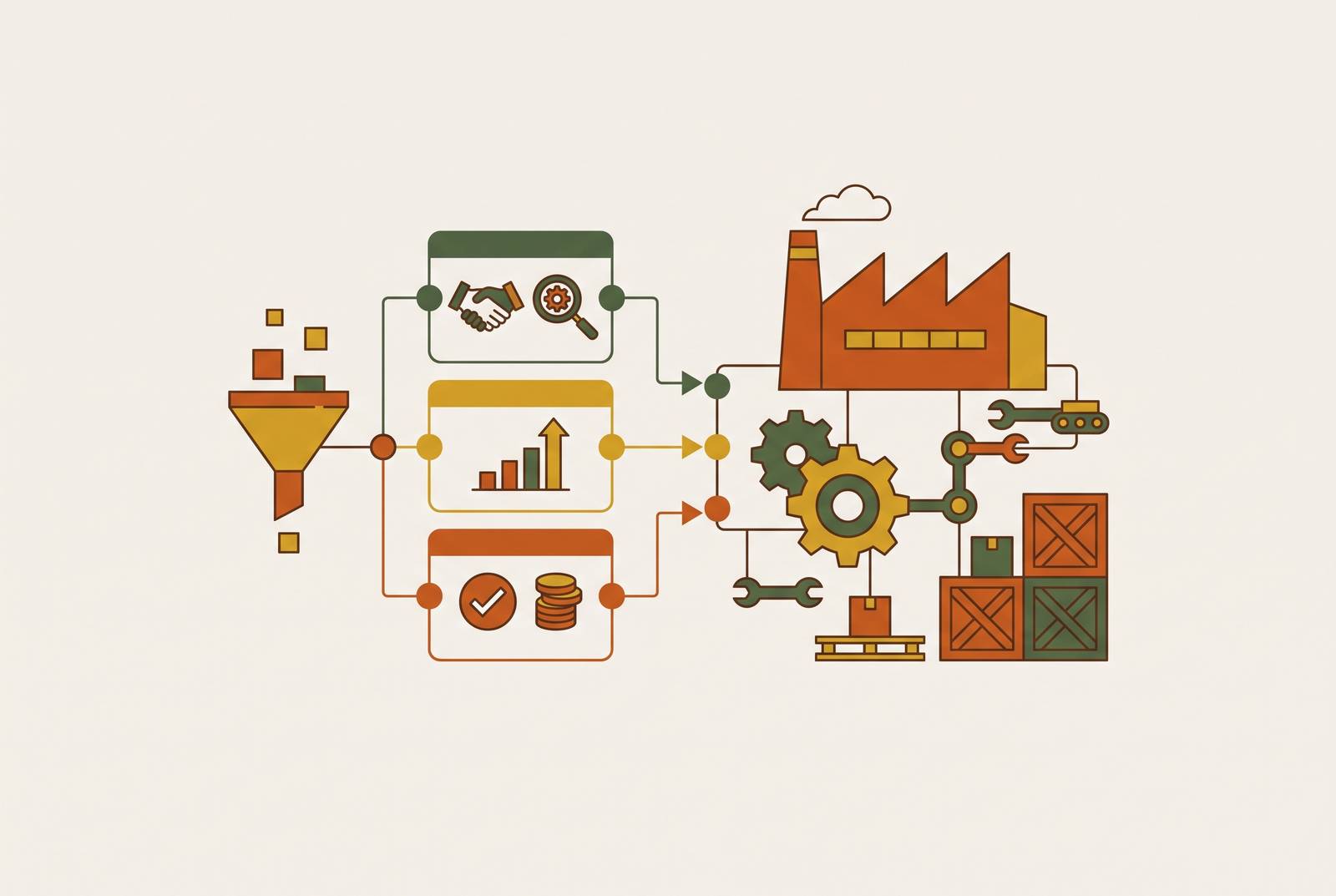
Manufacturing CRM works only when its architecture matches how industrial accounts actually behave: by facility, by production type, and by what each plant runs and buys. The failure pattern shows up the same way almost everywhere. The CRM goes live, reps get trained, and six months later quotes are back in email threads and pricing lives in a shared spreadsheet nobody trusts. A gap like that runs deeper than training. It's what happens when a system built for one seller, one buyer, and a two-week close gets dropped into a business that sells through distributors, OEM partners, and multi-stakeholder committees on quarter-length cycles. Forrester and 6sense research puts the median B2B buying group for deals over $50,000 at 11.2 people, and industrial deals sit well inside that range. A single contact record with one pipeline can't describe that, and no amount of rep effort fixes an object model that's wrong from the start.
Reps who stop using the CRM aren't being lazy. They're responding correctly to a tool that doesn't describe their job. What follows is a configuration guide built around how manufacturing accounts actually behave, not around the defaults HubSpot ships with.
How industrial selling differs from the assumptions baked into a default HubSpot instance
Default HubSpot assumes one company record equals one buyer, one pipeline covers the deal, and the deal closes in a matter of weeks. None of that holds in industrial sales. Revenue in a manufacturing business flows through end customers, distributors, OEM partners, individual plant sites, and service contracts, often for the same account, at the same time.
Layered on top of that is a buyer who's already most of the way to a decision before a rep even knows the account exists. Forrester research puts 70 to 80 percent of the buyer journey as happening before first vendor contact, and Gartner reported in March 2026 that 67 percent of B2B buyers actually prefer a rep-free buying experience. Spec sheets, distributor portals, and technical documentation are doing sales work while the CRM sits empty. 6sense measurement backs this up from another angle: up to 90 percent of identifiable account visitors never surface as known contacts, and only around 3 percent of web visitors ever fill out a form. A CRM stocked purely by inbound form-fills looks quiet even when a dozen accounts are actively working through a decision.
The plant creates a separate problem. A single corporate parent might run a dozen facilities, each with different production lines, different purchasing authority, and different needs. A company record that flattens all of that into one entry throws out the exact information a rep needs before a call, since treating the corporate parent as the unit of account is the wrong default that most HubSpot instances ship with. Within each facility, the buying committee splits by function too. Engineering writes the spec, procurement negotiates price, operations signs off on the changeover, finance cuts the check. Each of those people plays a different role in the deal and needs to be tracked as one.
Every configuration decision that follows answers one of these mismatches. Get the object model wrong here, and nothing built on top of it, routing, forecasting, reporting, holds up.
Modeling the account as a facility, not a company name
A corporate company record that rolls up multiple plants hides the three facts a rep needs before any conversation starts: what the facility makes, what equipment it runs, and what it's likely to buy next. Collapse five plants into one account record and all three facts disappear, and no amount of rep tribal knowledge makes up for it once that rep leaves the territory.
HubSpot's parent-child company structure fixes this without requiring a separate system. The parent record represents the corporate entity, and each plant becomes its own child company. That's the one move that makes plant-level tracking possible inside the tool most teams already own, and skipping it in favor of a "notes field on the main account" workaround is the shortcut that costs the most later.
Each facility record should carry its own set of properties: physical plant location (distinct from corporate headquarters), production type, key processes running on-site relevant to what's being sold, an estimated production volume or throughput tier, an asset profile covering the installed equipment base where it's known, environmental or regulatory attributes that hint at purchasing needs, and a channel designation marking the account as direct, distributor-served, or OEM-influenced.
Some things won't fit a standard company or deal record no matter how many properties get bolted on: distributor agreements, installed equipment, site-level service contracts, OEM programs. These need custom objects. A company selling capital equipment, for instance, might track every unit on a customer site through a custom object that carries its service history, so the replacement conversation can begin well ahead of any formal tender. That's the installed-base model, built inside HubSpot rather than bolted on beside it.
Getting this object model right matters more than any other early decision, because pipelines, routing rules, reporting, and automation all sit on top of it. A misconfigured object layer doesn't just cause friction, it makes every later fix harder, and teams that skip this step end up rebuilding it a year in, under worse conditions than the first time. One catch worth flagging early: custom object pipelines require an Enterprise subscription, per HubSpot's own documentation. Teams on Professional should plan around parent-child companies and association labels as the workable middle step, not a lesser one.
Assigning buying-committee roles to contacts so the CRM reflects who actually influences a deal
Default deal associations link to a single primary contact. Industrial deals run through engineering, procurement, operations, and finance at the same time, so pinning a deal to one contact produces a forecast confidence score that's wrong by design, not by accident.
HubSpot's association labels fix this by letting a team tag each contact-to-deal relationship with a role: specifier, procurement lead, end user, economic buyer, technical gatekeeper, without duplicating the contact record. This changes what a forecast actually means. A deal with only a procurement contact engaged, and no engineering sign-off logged anywhere, carries a very different risk profile than one where all four roles show activity. The CRM should show that difference at a glance. A rep should not have to remember it, because reps forget, get reassigned, or leave, and the deal shouldn't die with them.
Setting this up takes a few deliberate steps, in order. Define the standard roles for each sales motion first, since direct enterprise, distributor-led, and OEM deals don't share the same committee structure. Build the association labels in HubSpot's settings before training starts, since reps can't apply labels that don't exist yet. Add stage-advancement logic that enforces contact coverage in critical roles before a deal can move forward. Then use contact-level properties (department, line of business, buying role) to run account-based segmentation across engineering, procurement, and operations in parallel, a capability supported by HubSpot's association and segmentation tools.
Once roles are mapped, marketing can send different content to engineering and procurement contacts on the same account at the same time, instead of defaulting to whoever happened to fill out a form.
Building separate pipelines for each sales motion instead of one blended funnel
Direct enterprise deals, distributor-influenced deals, and aftermarket or parts revenue don't share a cycle length, an exit criteria set, or a probability curve. Average them into one pipeline and the resulting forecast number is one manufacturing leadership has already learned not to trust, and rightly so.
Three motions typically need their own pipeline, and treating them as variations of the same funnel is the mistake to avoid. Direct enterprise deals are multi-stakeholder and often engineered-to-order, running long, with stages like technical qualification, specification review, commercial negotiation, approval, and close. Distributor-led deals work on a different logic entirely: the rep registers the opportunity and the distributor fulfills it, so the stages need to track the selling team's influence activity rather than order processing, and the pipeline needs to show which distributor relationships are generating business and which aren't, per HubSpot's pipeline documentation. Aftermarket, parts, and service pipelines are consumption-driven and shorter, tied to the installed base, with stages built around renewal timing and maintenance triggers rather than a fresh sales cycle.
Subscription tier matters here too. Custom object pipelines require an Enterprise subscription, per HubSpot's own documentation, so pipeline architecture needs planning against the actual subscription level before anyone starts building.
Stage names matter less than exit criteria. What has to be true, documents received, specific roles engaged, a quote issued, before a deal can move to the next stage is what turns stage data into something forecastable rather than decorative. Of every mistake covered here, one blended pipeline covering three different motions is the single one most likely to force a re-implementation six months in. Fix it in the first build, not the second.
Custom properties that capture what a plant makes, runs, and buys, and why standard fields don't
Standard HubSpot company fields, industry dropdown, employee count, annual revenue, are built for generic B2B selling. None of them tell a specialty chemicals rep or a metalworking fluids rep whether a given facility is worth pursuing this quarter.
NAICS codes are a reasonable starting point for segmentation and territory planning, but even a detailed NAICS code describes a sector, not a plant's actual production mix. Treat it as a filter, not a substitute for real production data. Stopping a segmentation project at "NAICS 332" and calling the job done is a common shortcut that gets the job wrong.
At the company or facility level, build out plant type or production category (stamping, machining, casting, coating, blending, packaging), primary materials processed, key equipment or process lines running on-site, environmental compliance tier or permit type (a signal for treatment, coatings, or waste-handling needs), contract model (CAPEX purchase versus OPEX, service, or consumption-based), channel designation, and a tier classification for SLA routing: Tier 1 target, Tier 2 active, Tier 3 developmental.
At the contact level, department, buying role in the current deal, and preferred communication channel do most of the work.
These fields are what everything downstream depends on. Segmentation, lead routing, ABM audiences, territory reports, pipeline filters, none of it works without structured, consistent data behind it. Skip these fields and a CRM is a contact list with a search bar, nothing more. Making fields required at deal creation and at stage advancement enforces data quality without relying on any rep's memory, and this is where adoption and data integrity start reinforcing each other instead of fighting.
Lead routing and SLA enforcement that reflects territory and channel reality
Round-robin or first-available routing ignores everything just built. Route a distributor-territory lead to a direct enterprise rep, and the channel relationship is damaged before anyone even notices the mistake.
Routing logic should draw straight from the properties already in place. Route by channel, so distributor-territory leads land with the channel manager who owns that distributor relationship. Route by product line or process type, so a lead from a facility running a specific process reaches the rep who actually knows that vertical. Route by tier, so Tier 1 inbound from a target account triggers a different response protocol than general inbound traffic gets.
A useful concept here is something like a Lead Intelligence Card, which is a contact record view that shows, at the moment of routing, where the lead came from (an ad, a keyword, a referral), which product or service pages they visited, enriched company data, and the account's territory or channel designation. A rep walks into the first call with real context, not just a name and a phone number.
SLA enforcement runs through HubSpot workflows that codify response times by tier. A Tier 1 inbound lead from a target industrial account, for example, might require a personal response within four business hours and a discovery meeting booked within five days. Workflows monitor those clocks, create tasks automatically, escalate anything overdue to a manager, and reroute a lead that's been sitting neglected too long.
None of this works if the data feeding it is bad, and this is where most routing builds quietly fail. Dirty data is widely cited as a leading reason CRM implementations fall short of their goals, and routing builds are among the first places that failure shows up. Automated firmographic enrichment and smarter form logic, blocking consumer email domains on high-value quote requests, requiring a company domain, cut down on junk leads before they ever reach the routing queue. Get the facility and channel data right, and routing puts the right rep in front of the right lead with the right context already loaded. The actual infrastructure behind any close-rate or productivity gain a CRM implementation is supposed to deliver sits beneath the dashboard on top of it, not in the dashboard itself.
Distributor and OEM workflow automation that makes channel activity visible
Without deliberate automation, distributor-influenced pipeline exists only in the distributor's own system and in a rep's memory. The selling company's CRM shows nothing until a purchase order shows up, and by then half the sales cycle is already over.
A few things are worth automating directly, and each one closes a specific gap. Distributor onboarding: when a new distributor relationship gets created as a company object, trigger a structured onboarding sequence covering introductions, product training scheduling, and portal access. Deal registration: a distributor submits an opportunity through a form or portal, a deal auto-creates in the distributor pipeline with the distributor company associated, and the right rep gets routed and notified automatically. Quote follow-up: when a quote goes out and no response gets logged within a set window, an automated task lands with the channel manager on the selling side, not the distributor's rep. Re-order reminders: based on the consumption cycle already logged in the account's history, outreach triggers ahead of the next likely order window instead of after it's already passed.
OEM relationships need their own track entirely, not a bent version of the distributor track. They run long, often multi-year, and involve a different set of contacts than a transactional account does. Custom objects for OEM programs let a team track program status, renewal dates, and engineering engagement separately from the standard deal pipeline.
This structure is what makes a specific kind of reporting possible: identifying which distributor relationships and referral channels are actually generating pipeline, so investment can go toward the ones that consistently convert. That reporting only works if distributor deals live in their own pipeline object rather than getting folded into the direct funnel. Suzuki South Africa grew sales by 21 percent through a HubSpot Data Hub implementation, a concrete case of what channel and operations integration produces when it's done deliberately rather than bolted on after the fact.
ERP integration and the data synchronization decisions that determine CRM usefulness
The most common credibility problem for an account manager is simple and avoidable: the plant floor knows more about order status than the account manager does, because order data lives in the ERP and has never been connected to the CRM. That gap alone undoes half the trust the rest of this configuration work is meant to build.
Syncing ERP data into HubSpot changes what's possible for a sales team in a few concrete ways. Account managers see recent order history and open orders directly on the facility record, with no separate ERP login required. Consumption patterns visible inside the CRM trigger re-order workflows before the customer ever picks up the phone. And quotes generated in HubSpot against the product library sync pricing and configuration data back to the ERP, cutting out the manual handoff errors that come from re-entering the same quote twice.
HubSpot names NetSuite directly as a native integration point in its own documentation. SAP integration runs through a third-party marketplace app or a custom API build instead, and teams should plan for that extra build cost rather than assume parity with the NetSuite path, because it isn't the same lift. Operations Hub is the layer most commonly used for ERP synchronization within a HubSpot manufacturing stack, turning a CRM from a system reps update into a system that actually reflects what's happening on the plant floor.