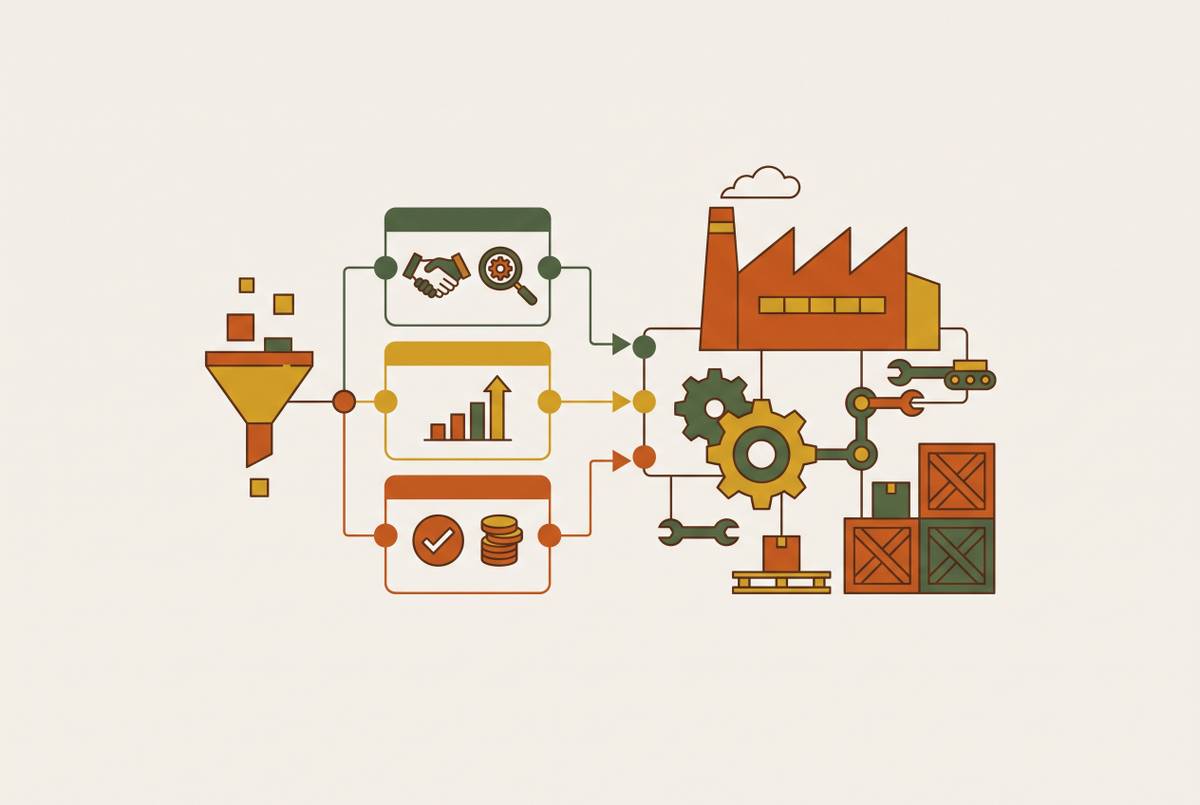
Migrating Manufacturer Account Classifications From NAICS Codes to Process-Level Facility Data in Salesforce
A NAICS code can't show what a plant makes, so here is a facility-based fix.
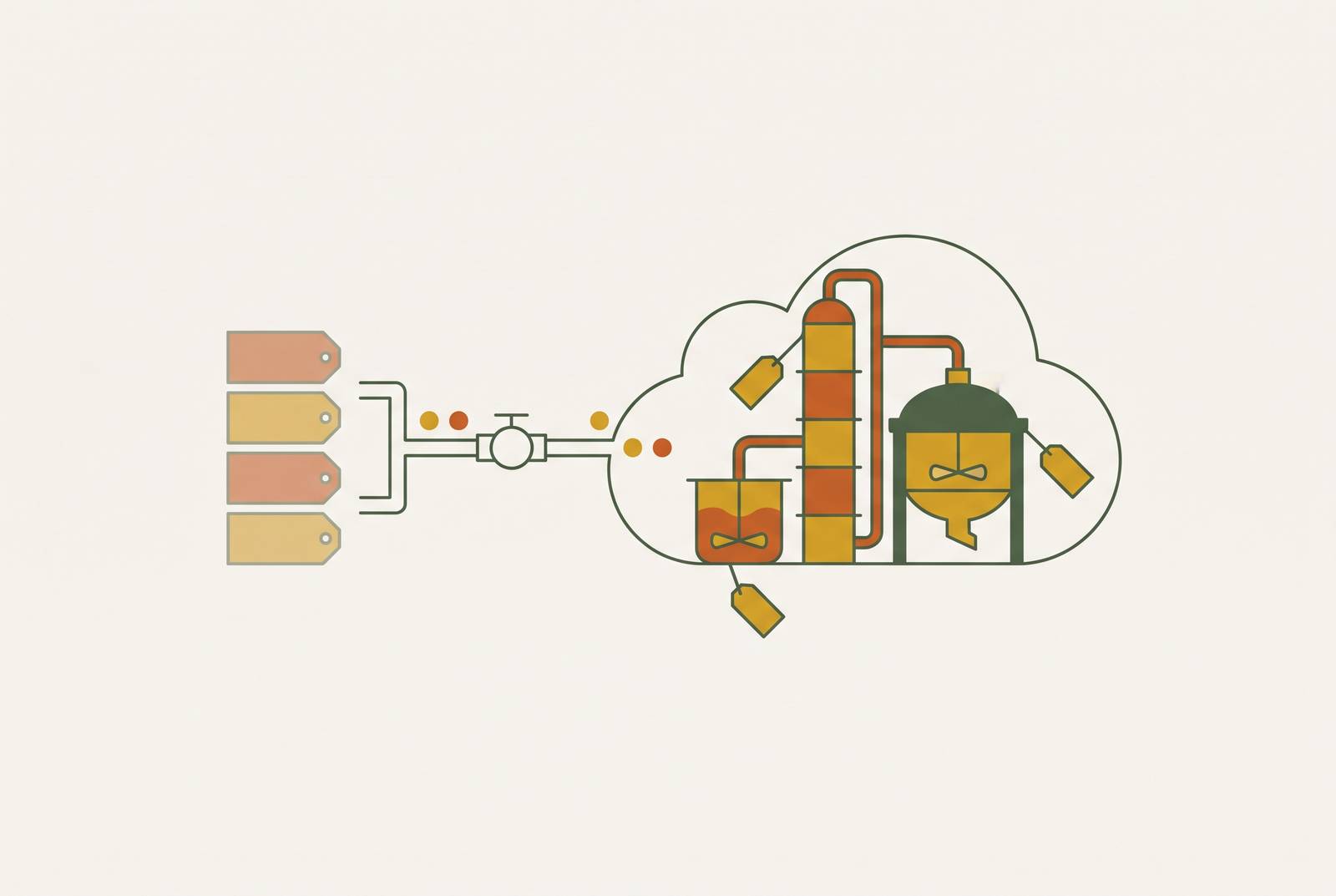
In Salesforce, the migration means linking facility records to parent Accounts and making process, equipment, permit, and opportunity data visible before a call. NAICS remains useful for classification and reporting, but facility processes become the organizing logic for industrial sales.
Why NAICS codes on Salesforce Account records describe the wrong unit of analysis for industrial suppliers
A rep opens a Salesforce Account, sees NAICS 325510 for paint and coating manufacturing, and assumes the product conversation is clear. The code provides a useful industry classification. It does not reveal whether the site runs water-based coatings, solvent-based coatings, or both. Before the rep dials, the missing distinction has already limited the value of the record.
The 2022 NAICS Manual defines NAICS as a classification system for establishments. Its process-oriented structure groups establishments by primary activity, moving from a two-digit sector to a six-digit national industry. The defect is therefore not that NAICS inherently classifies only enterprises. It is that a single code stored on a parent Account is being used to describe an entire manufacturing footprint. Even an establishment-level code does not inventory every process operating at that site.
A manufacturer spanning coatings, adhesives, and metalworking fluids may have one Account code representing its dominant revenue line, leaving other activities invisible to the rep. Multiple codes and revenue allocations can describe a diversified business more fully, but that allocation is absent from a standard classification field. Keyword-assigned codes introduce another risk because broad website language can obscure whether a company manufactures, distributes, or consults. Better code provenance reduces that error without supplying the missing plant intelligence.
What process-level facility data captures that a NAICS code cannot
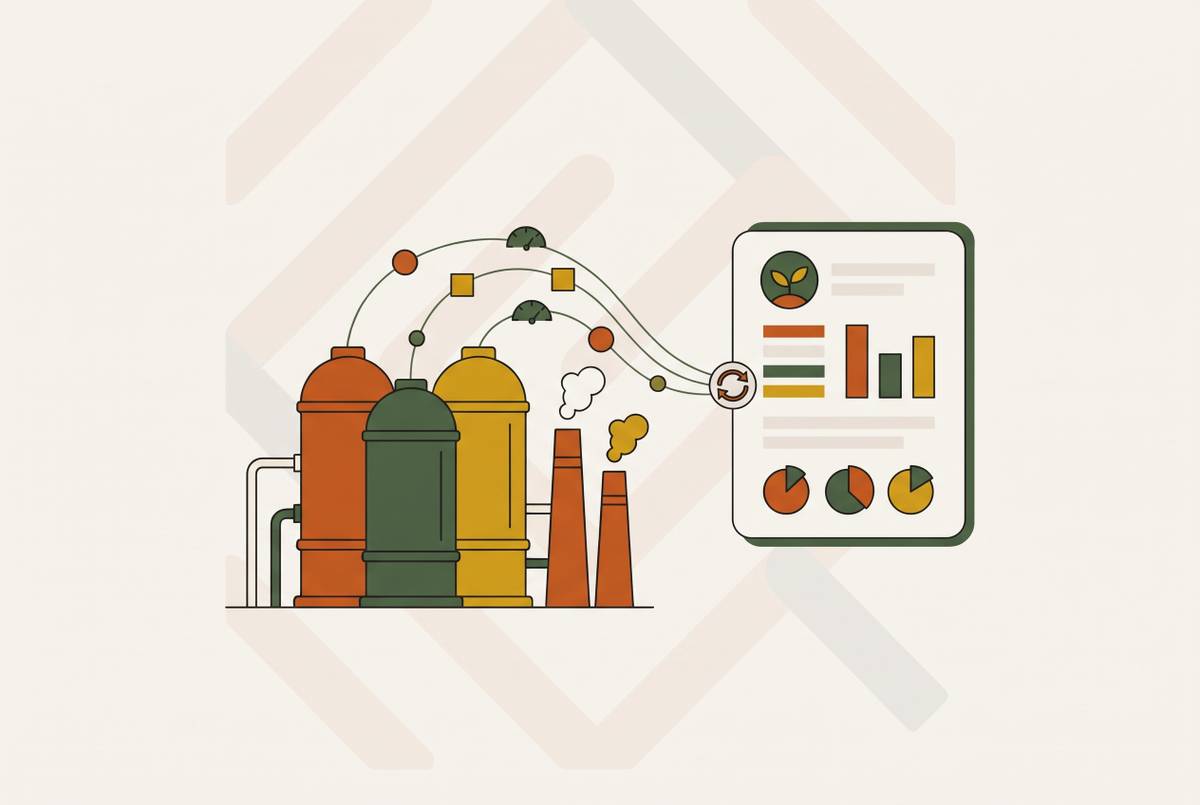
Process-level facility data shows what equipment a plant has, which materials it processes, which permits it holds, and which production modalities it uses. It answers a different question from industry classification. Instead of identifying the establishment’s primary activity, it describes the operations that create demand for a supplier’s products. For a specialty chemical rep, the distinction between a water-based coating line and a solvent-based line helps establish which product families are relevant.
The facility is the useful organizing unit because operations differ within the same manufacturer. Each site’s demand depends on its production capacity, equipment, supply chain relationships, and how it has spent on capital projects of late. A new production line or expansion permit adds timing to that context. Neither event can be inferred from the parent Account’s industry code, and neither can support structured rep action unless it is attached to the right facility in the CRM.
AkzoNobel illustrates how process context informs commercial decisions. Its automotive surface coatings business sells straight to automotive tier suppliers, while its commercial aircraft coatings channel sells straight to OEM or tier suppliers. Facility intelligence brings that same distinction into account planning, so a shared corporate name does not imply a shared buying conversation. It connects what a supplier sells to where the relevant work takes place.
How the enterprise-level Account model in Salesforce creates the wrong data shape for multi-facility manufacturers
An Account record for a whole enterprise brings together relationships that may belong to very different operating sites. A plastics molding facility, a metal stamping facility, and a coatings line can have the same parent company but need to discuss different products. One classification field cannot represent those differences. Adding process details to the parent alone also leaves the rep to work out which details belong to which plant.
Salesforce’s parent and child Account hierarchy provides a possible structure, but a corporate hierarchy is not automatically a facility map. Teams must make a clear choice about whether child Accounts stand for operating plants or a linked object holds those records. Without that decision, relationship history remains in the CRM while operational intelligence sits elsewhere. The rep must reconcile the two before each call, rather than opening a record that already connects them.
Tata Chemicals describes ChemForce™, powered by Salesforce Manufacturing Cloud, as bringing sales and customer data together on a unified platform. That example establishes the commercial value of connected information. The facility-level extension of that principle is to connect site operations with the customer relationships they inform. Teams must choose a schema before they import data for the migration. Replacing one classification value with another cannot resolve an absent relationship between company, plant, and process.
Auditing what your Salesforce Account records actually contain before migrating anything
The first operational step is an audit inside the existing Salesforce environment. Establish which Accounts have NAICS codes, which have none, and how each populated field was assigned. Separate manual entries, list imports, and keyword-inferred classifications from codes drawn from primary classification sources. Provenance determines how much confidence the migration can place in the starting record.
Next, find parent Accounts that hide more than one manufacturing facility. Record where legacy SIC values were converted to NAICS, and flag those Accounts for manual review. The SIC-to-NAICS crosswalk is not one-to-one. A converted value may therefore leave several possible industry mappings unresolved, even when it looks like a correctly formatted code.
Missing classifications deserve separate attention. They may identify accounts won through referrals or relationships, where the team has substantial commercial history but little structured operational intelligence. Document the NAICS filters reps currently use to build call lists as well. Those filters reveal useful segmentation decisions that the replacement model should preserve, as well as assumptions it should discard.
The audit should produce a tiered migration plan. High-priority named accounts with known multi-facility footprints belong at the top, while long-tail single-site accounts form a later tier. Flag ambiguous crosswalks, uncertain code origins, and unresolved facility counts within those tiers. This gives sales operations a clear place to start, before bringing in outside data and while working to understand the records already there.
Deciding the right Salesforce schema for facility-level process data before importing anything
The schema decision belongs jointly to sales operations, the CRM administrator, and a senior rep who will use the records. Where the rep sees plant intelligence before a call governs the schema decision. Import convenience is not the design constraint. Three approaches offer different balances of familiarity, flexibility, and administrative work.
Child Accounts place facilities within the native hierarchy and the Account tree reps already know. They support standard Account reporting, but the team still has to set up ownership, activity history, and territory rules for use at the plant level. A custom object such as “Facility” or “Plant Site,” linked to the Account through a lookup, gives the team more control over process fields and multiple-site relationships. It can support opportunity workflows for each facility, but takes more work to set up and requires reps to be trained.
A provider’s managed package is another way to bring facility data into use. Pre-structured facility profiles can appear in an Account sidebar or related list, reducing the work needed to surface them. The trade-off is control because the provider defines the package’s schema. Whichever model the team selects, the facility record should hold process type, substrate, production volume range, equipment, environmental permits, recent capital events, and inferred chemical inputs.
NAICS stays on the parent Account throughout this change. Regulatory reporting, SEC filings, SBA programs, credit records, and legacy compatibility still give the classification a purpose. What changes is its commercial role. Process and facility fields replace it as the basis for segmentation and routing, while the Account layout makes those fields accessible within the existing sales workflow.
Sourcing process-level facility data and mapping it to the schema you just built
Corvus is one option for this migration, building profiles from the ground up across a broad range of plants, including equipment, processes, and permits. Its data on each plant can help a rep tell water-based from solvent-based lines, and the opportunity sizing it publishes uses gallons per year. Those details address the operational gaps left by a parent Account classification.
Any source should provide plant-level records that can be matched by address, DUNS, or facility identifier. Require process and equipment evidence from primary industrial records. Opportunity sizing should use the units that the supplier sells in, whether those are gallons, pounds, or units per year. Also check whether the source has change signals and links facility processes to specific products in the portfolio.
Other sourcing approaches have narrower but useful roles. Looking through trade association directories, permit databases, and SEC filings by hand can yield accurate details, but may take days for each account. Broad contact and company databases are generally better suited to contact enrichment than equipment, process modality, or permit intelligence. Industrial list vendors using primary-source SIC or NAICS classifications can support initial targeting without supplying the process depth needed for the new schema.
Each imported facility should map to one child Account or Plant Site record linked to its parent. Process, equipment, permit, and opportunity-size fields belong on that facility record. Keep the parent classification intact. Surface the facility records in an Account related list so the rep can see the operating footprint without navigating away.
Running the migration in the right sequence to avoid data loss and rep disruption
Begin with the highest-priority multi-facility Accounts identified in the audit. Run the schema build and data import on that pilot before extending the approach across the account base. Errors in the mapping are easier to track down within a small group. This is also where ambiguous SIC-to-NAICS conversions need resolution rather than another import of the same uncertain classification.
Confirm that every known plant has a corresponding facility record, and distinguish source-data gaps from matching problems such as address-format differences or missing DUNS values. A completed import is not sufficient evidence of coverage. Resolve those gaps before broad rollout so an incomplete facility map does not become the new basis for account planning.
Build and test the rep-facing Account layout in a sandbox. One or two reps should test the facility panel and process fields before the layout reaches the whole team. During the migration, freeze legacy NAICS-based list filters and tell the team clearly when the changes will happen. Lock parent NAICS fields against edits as well, then unlock them after migration with documentation explaining their narrower purpose.
Roll out in waves by territory or business unit. Establish who owns facility records, who may edit them, how often source data refreshes, and how conflicting local knowledge is resolved. Each wave then provides a chance to address issues before the next begins. Configure new-permit, production-line, and capital-expansion fields to trigger Salesforce tasks or alerts from go-live, so newly mapped plants also provide timely reasons to call.
What the rep's workflow looks like after the migration is complete
The rep who previously saw only NAICS 325510 now opens an Account with a process profile for each facility. The record distinguishes coating lines, relevant chemical inputs, and site events that justify contact now. A water-based coatings line points the rep toward a coatings process engineer, while knowing more about the site helps the rep talk with plant managers and operations contacts.
Cross-selling becomes more specific when the facility record connects processes to the supplier’s portfolio. If a plant runs three relevant processes but current revenue covers only one, facility-level volume estimates can expose the remaining opportunity in gallons or pounds. The rep can frame a defined product conversation. Territory prioritization follows the same logic, combining target processes, open volume opportunity, and recent capital events.
Buying in manufacturing still takes input from operations, procurement, engineering, and finance. Facility intelligence can shorten early qualification by clarifying relevant products and likely decision owners before outreach. For a team evaluating the change, a platform demo is useful when it shows that complete path from plant evidence to a relevant product conversation. The commercial test is whether reps can approach the right facility, with the right technical context, when there is a concrete reason to speak.